
Guide & Tutorials
- Helicopter First Flight Tutorials
- H1/H2 Flight Controller Setup & Configurations
- Flight Modes & Features
- Helicopter Common Issues & Solutions
- Repairs & Maintenance
- X WING Tutorials
-

UH-1 Two-blade Flight Tutorial | ACE Flight controller
-

UH-1 Four-blade Flight Tutorial | ACE Flight controller
-

FW450L Flight Tutorial | ACE Flight controller
-

Bell 206 Two-blade Flight Tutorial | ACE Flight controller
-

Bell 206 Four-blade Flight Tutorial | ACE Flight controller
-

EC135 Flight Tutorial | ACE Flight controller
-

Bell 412 Flight Tutorial | ACE Flight controller
-

BO105 Flight Tutorial | ACE Flight controller
-

MH-60 Flight Tutorial | ACE Flight controller
-

Bell 407 Flight Tutorial | ACE Flight controller
-
How to Set Up the H1 PRO/H2 Remote Controller
Set up the transmitter before proceeding with the flight controller configuration.
-
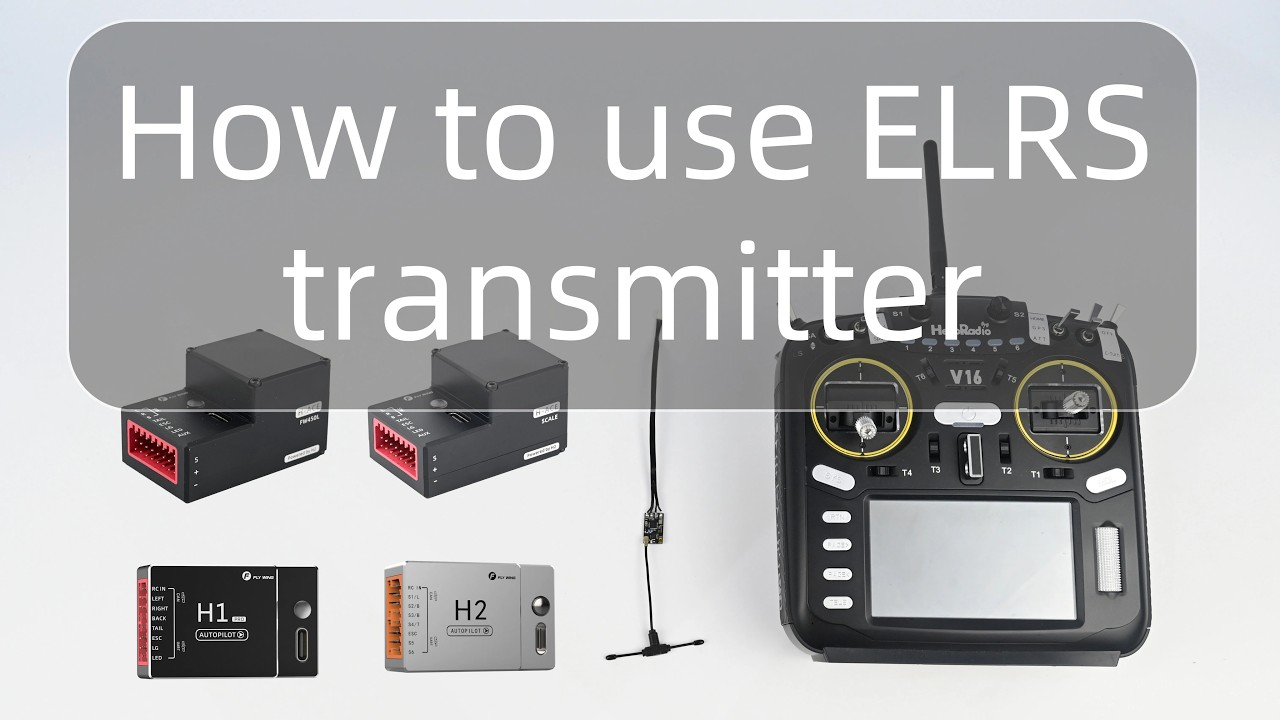
How to Use ELRS Transmitter?
-
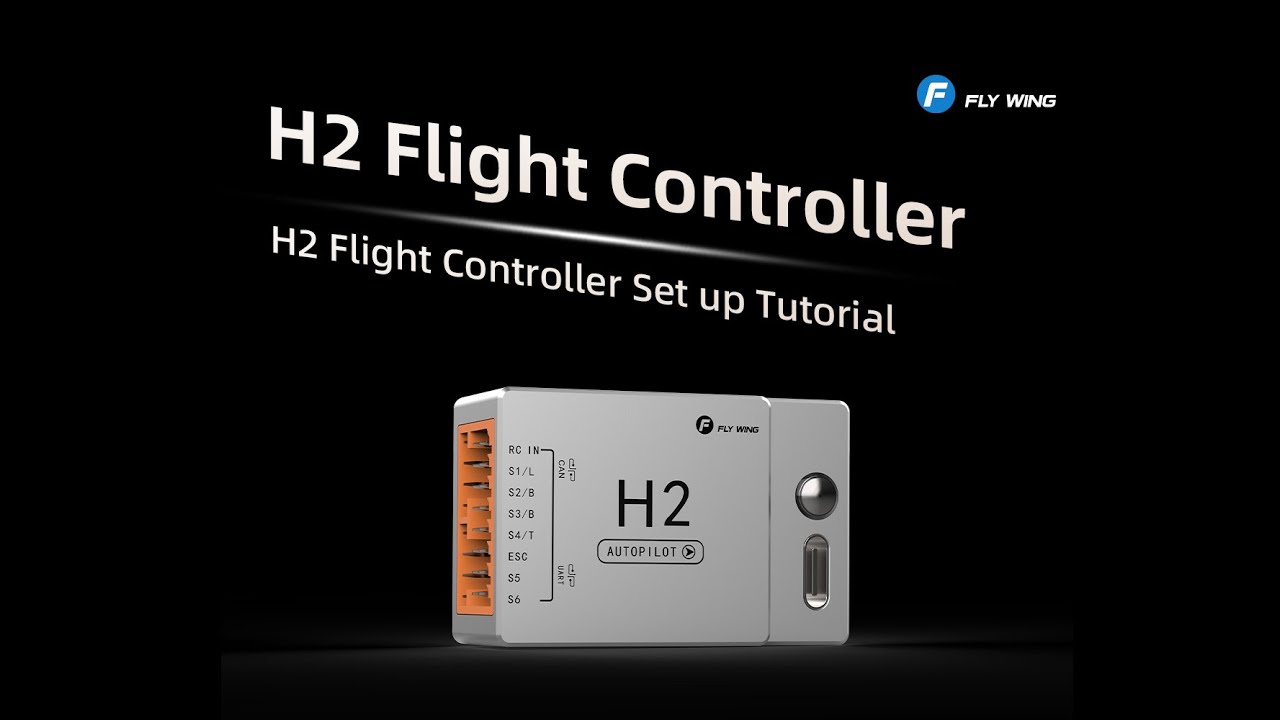
H2 Flight Controller Hardware Wiring and Installation Steps
Step-by-step guide to wiring and installing the H2 flight controller hardware.
-
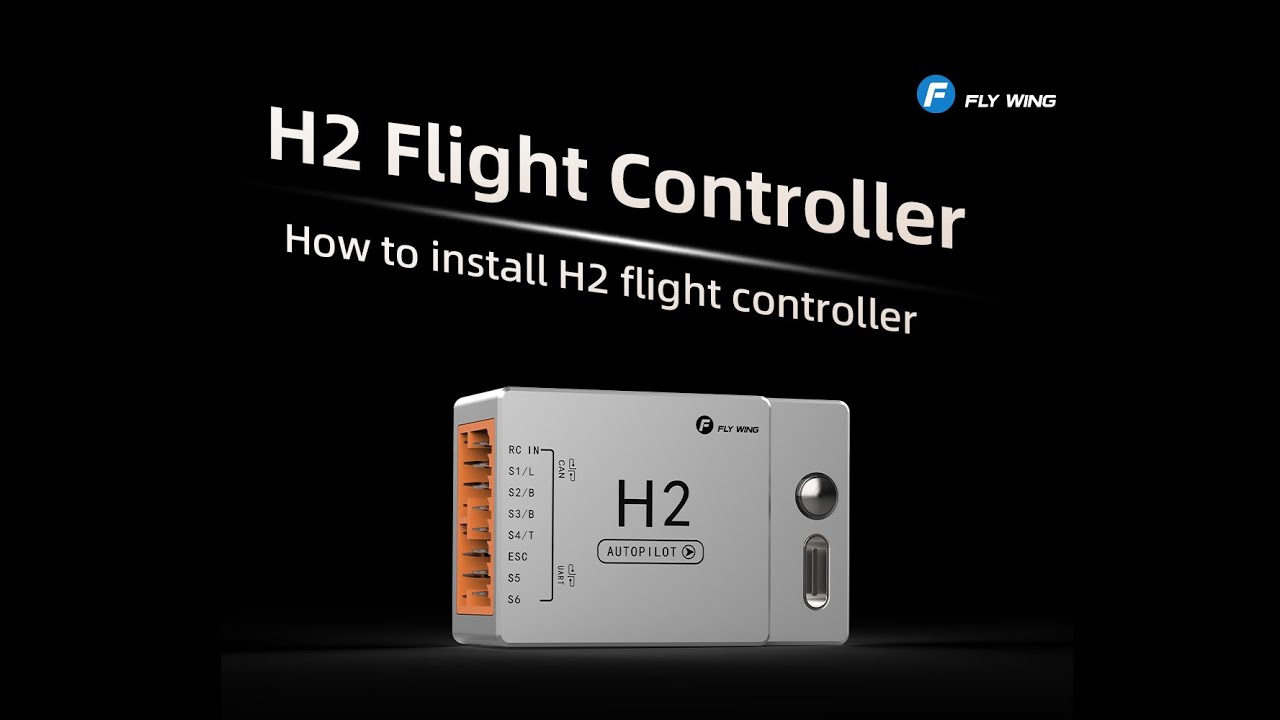
Rendered Wiring Video for Clearer Installation Guidance
A rendered video that provides a clearer and more intuitive view of the wiring process.
-
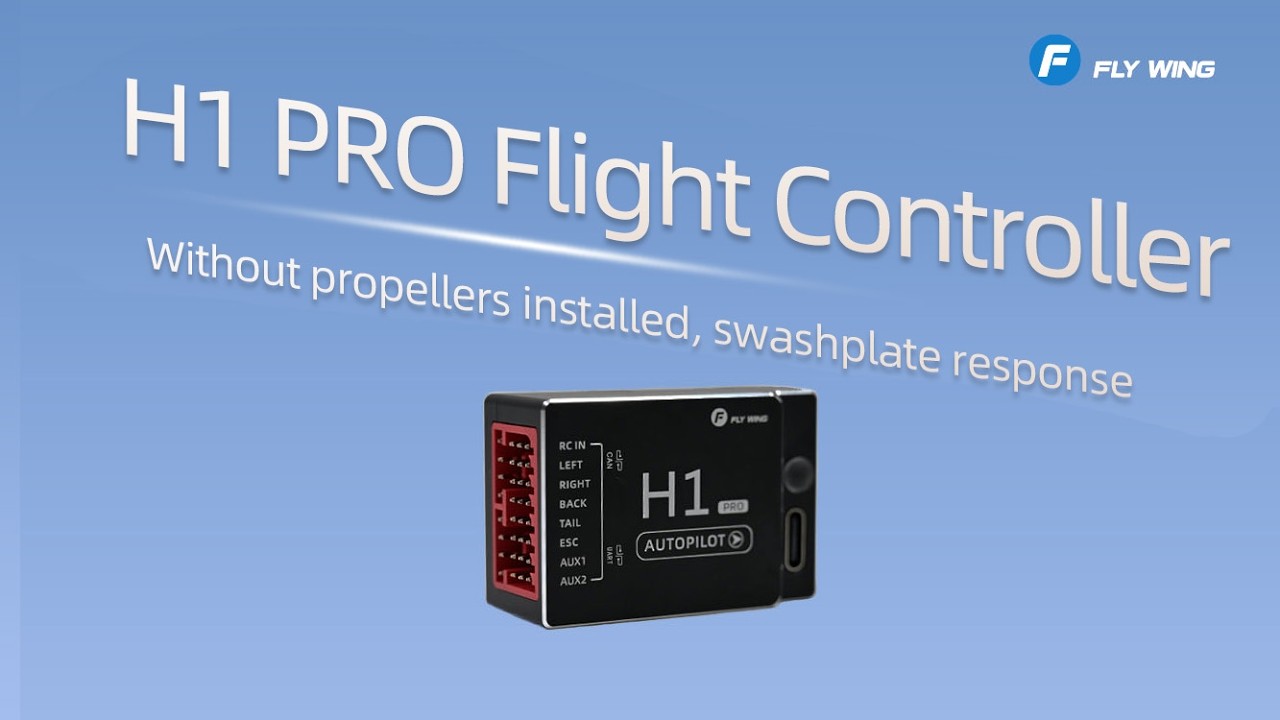
H1 PRO Swashplate Movement Without Blades
What to do if the H1 PRO flight controller is powered on without rotor blades installed and the swashplate moves unexpectedly.
-
Outdoor Compass Calibration Using the Transmitter for H1 PRO and H2
Outdoor tutorial for triggering compass calibration through the transmitter. This guide applies to both H1 PRO and H2.
-
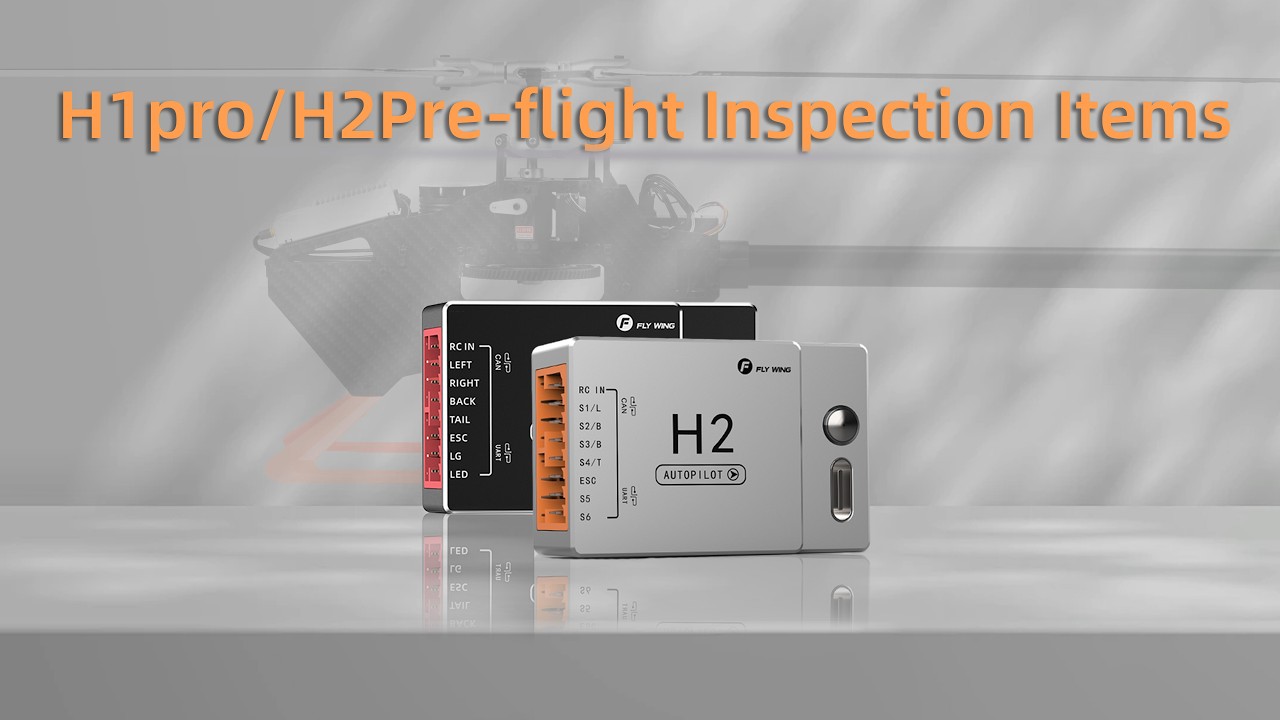
Pre-Flight Inspection Steps
Essential inspection steps to complete before take-off.
-
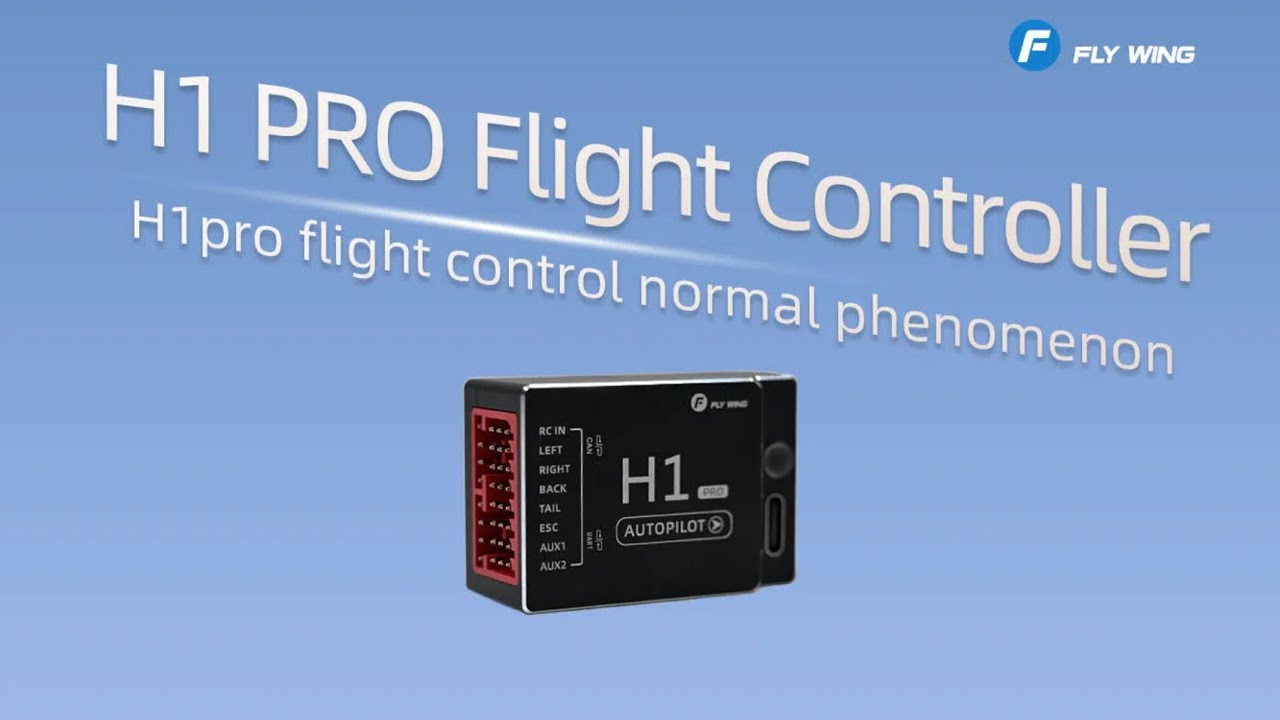
H1 Pro Flight Controller System Installation Tutorial
-
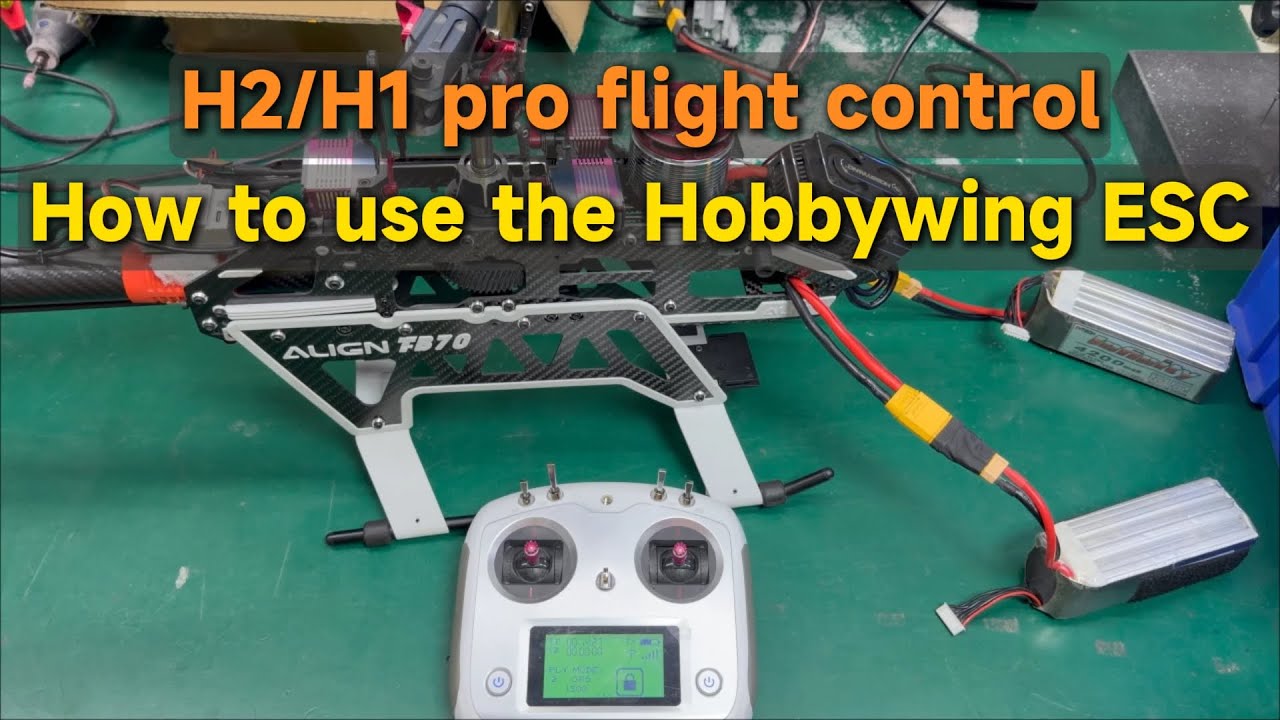
H2/H1 pro flight control | How to use the Hobbywing ESC
-
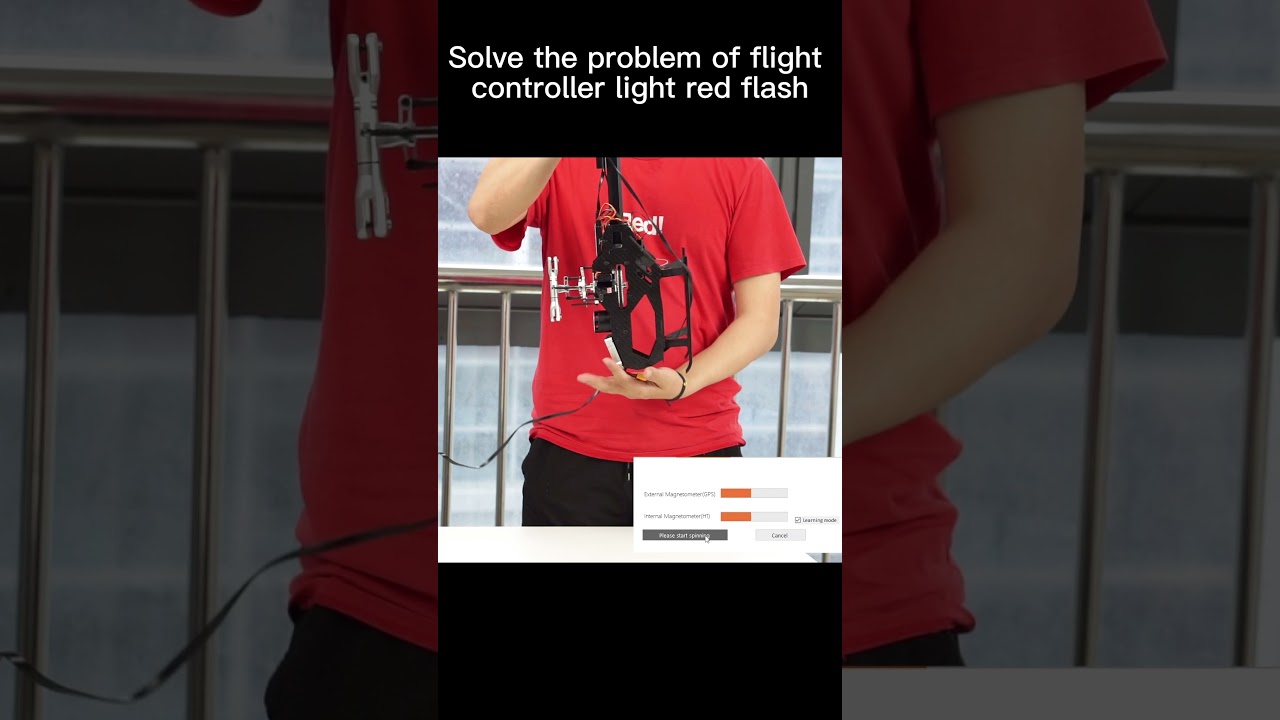
Watch Calibration Tutorial / H1 flight control red flashing is what problem?
-
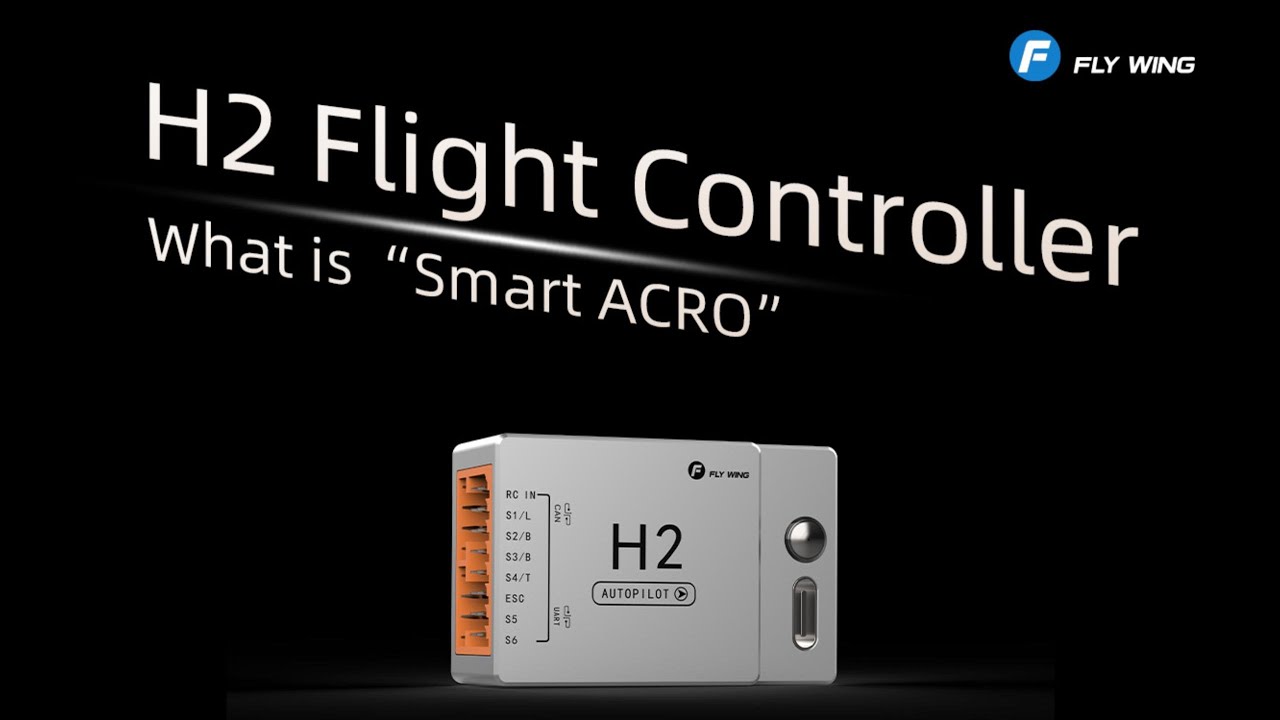
Intelligent Aerobatics Function Introduction
Introduction to the intelligent aerobatics function, applicable to all flight controllers equipped with this feature.
-
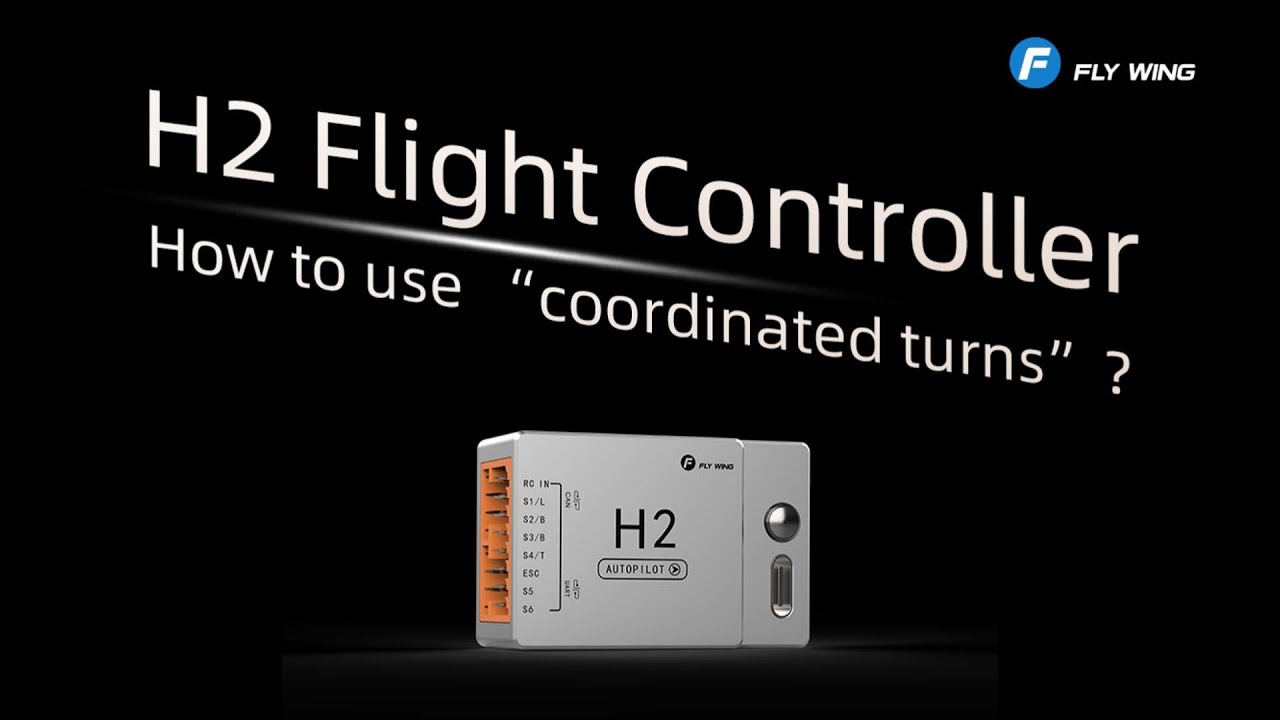
Coordinated Turn Function Introduction
Introduction to the coordinated turn function, applicable to all flight controllers equipped with this feature.
-
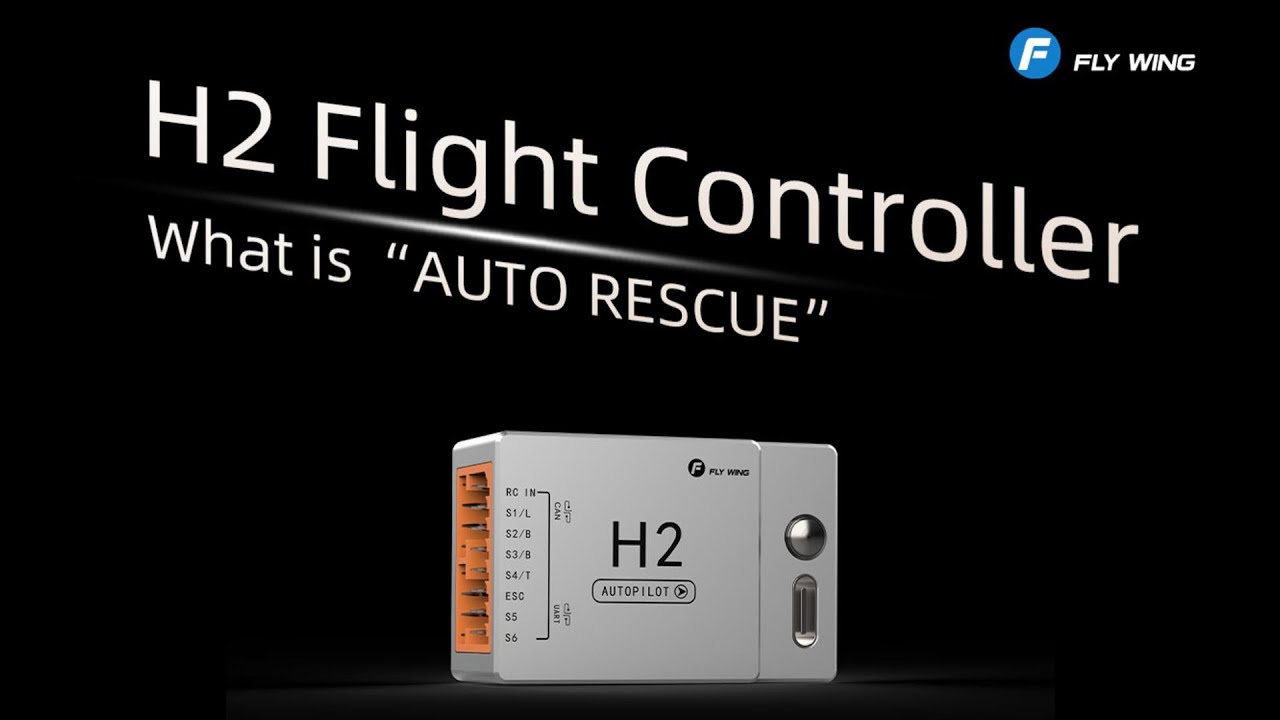
Auto Rescue Function Introduction
Introduction to the auto rescue function, applicable to the H2 flight controllers.
-
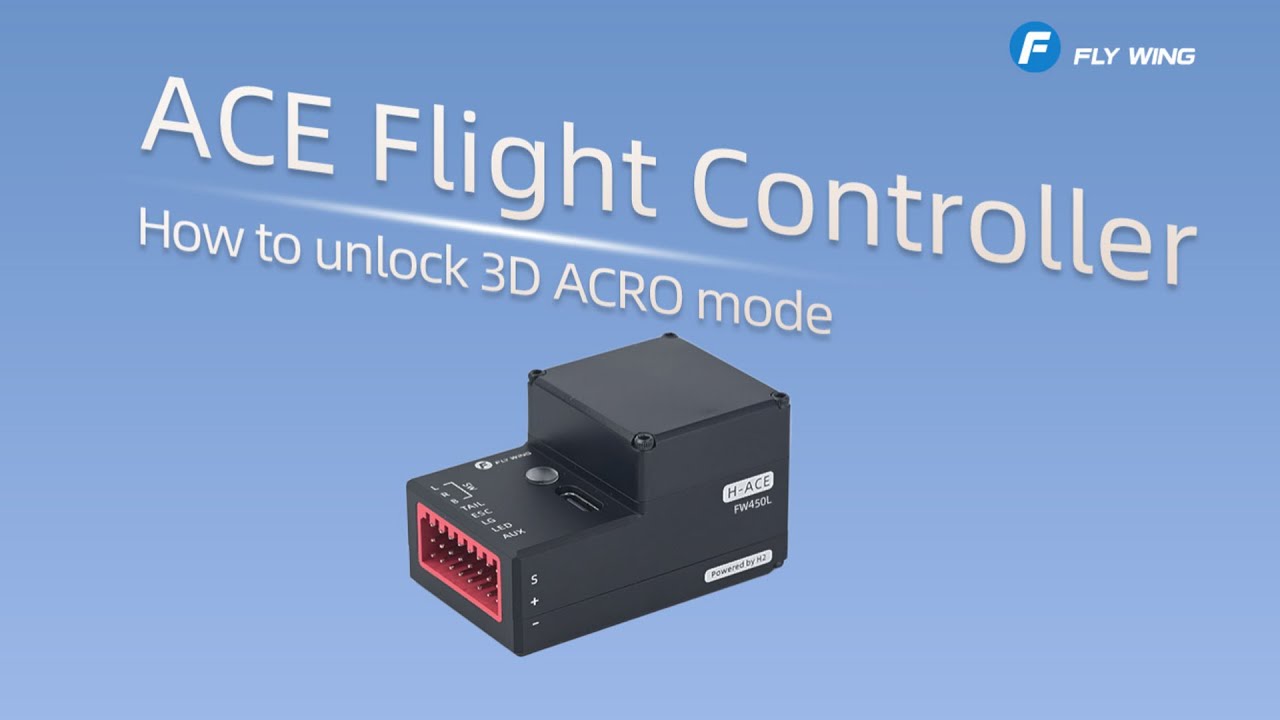
ACE Flight Controller | How to Unlock 3D ACRO Mode
-
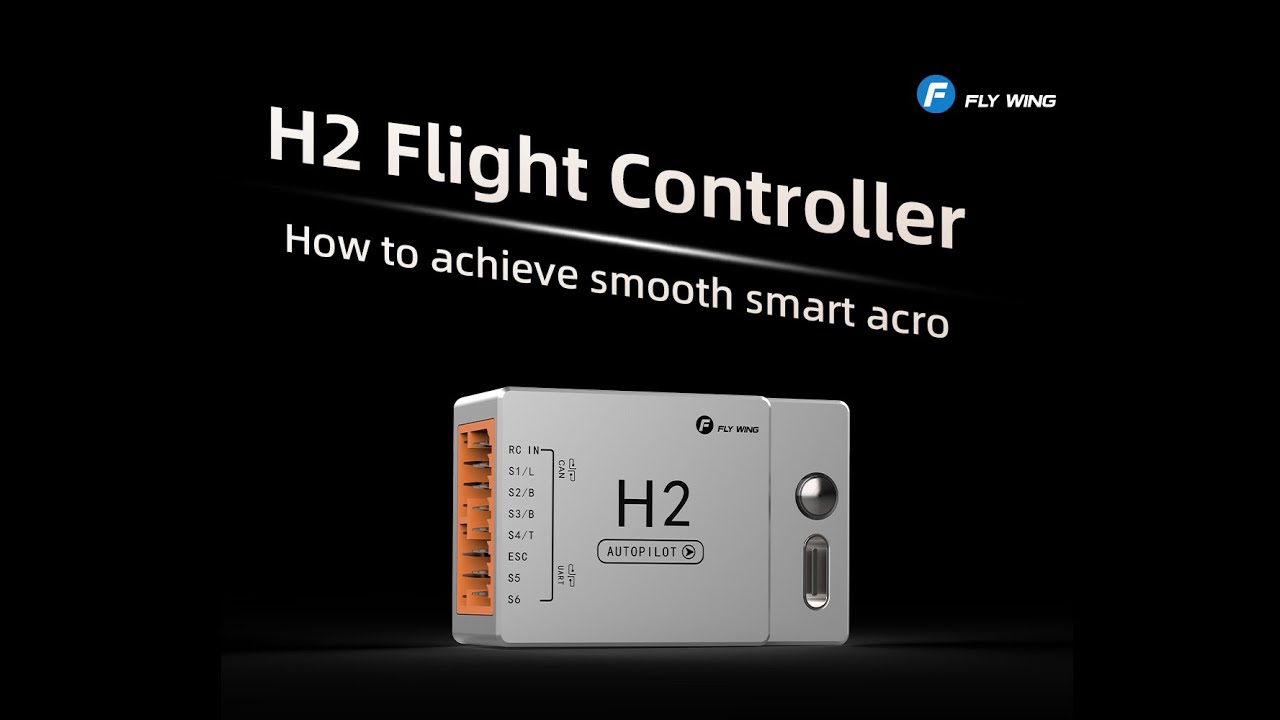
H2 Flight Controller | How to achieve smooth smart acro?
-
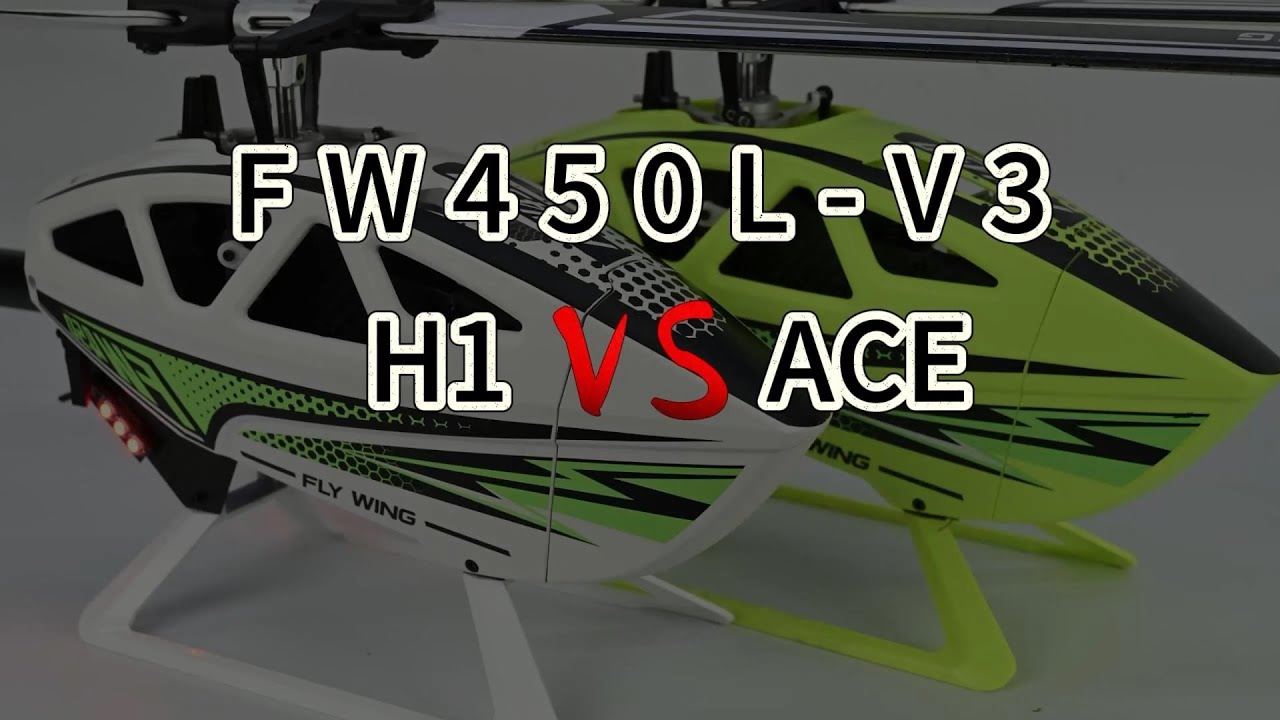
Comparison Between FW450L-ACE Version and H1 Flight Control
-
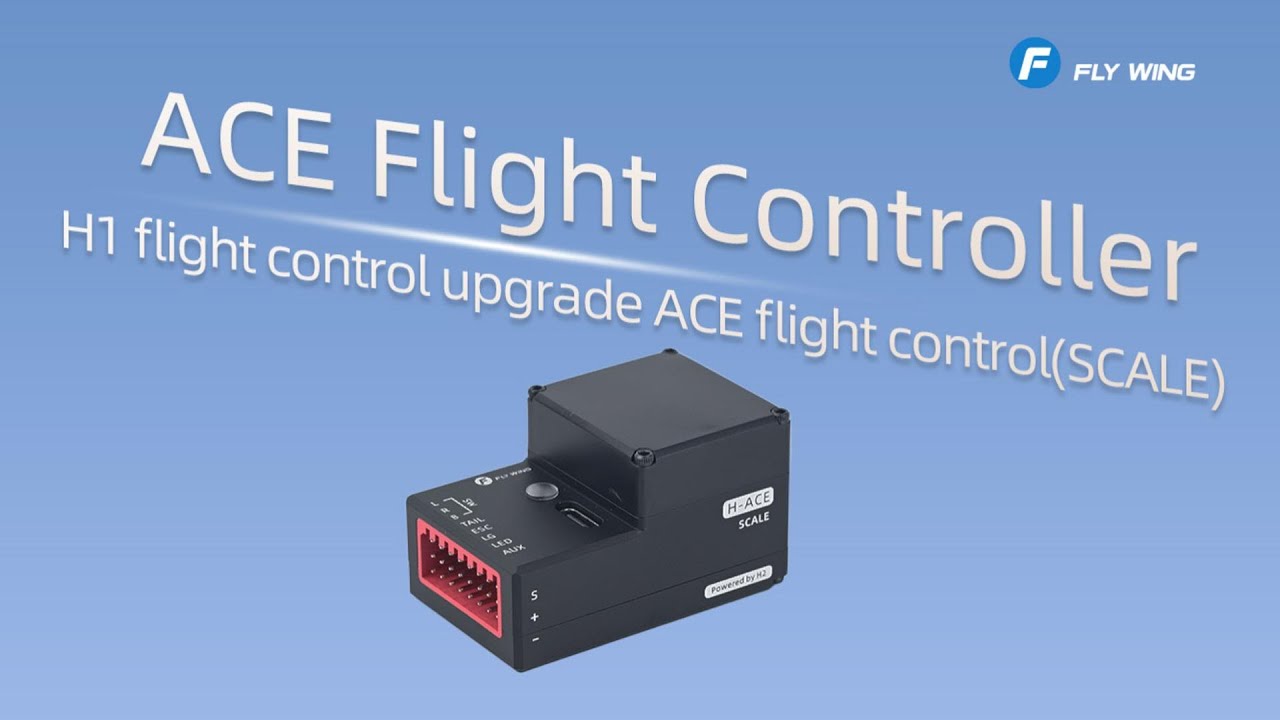
SCALE | H1 Flight Control Upgrade to ACE Flight Control
-
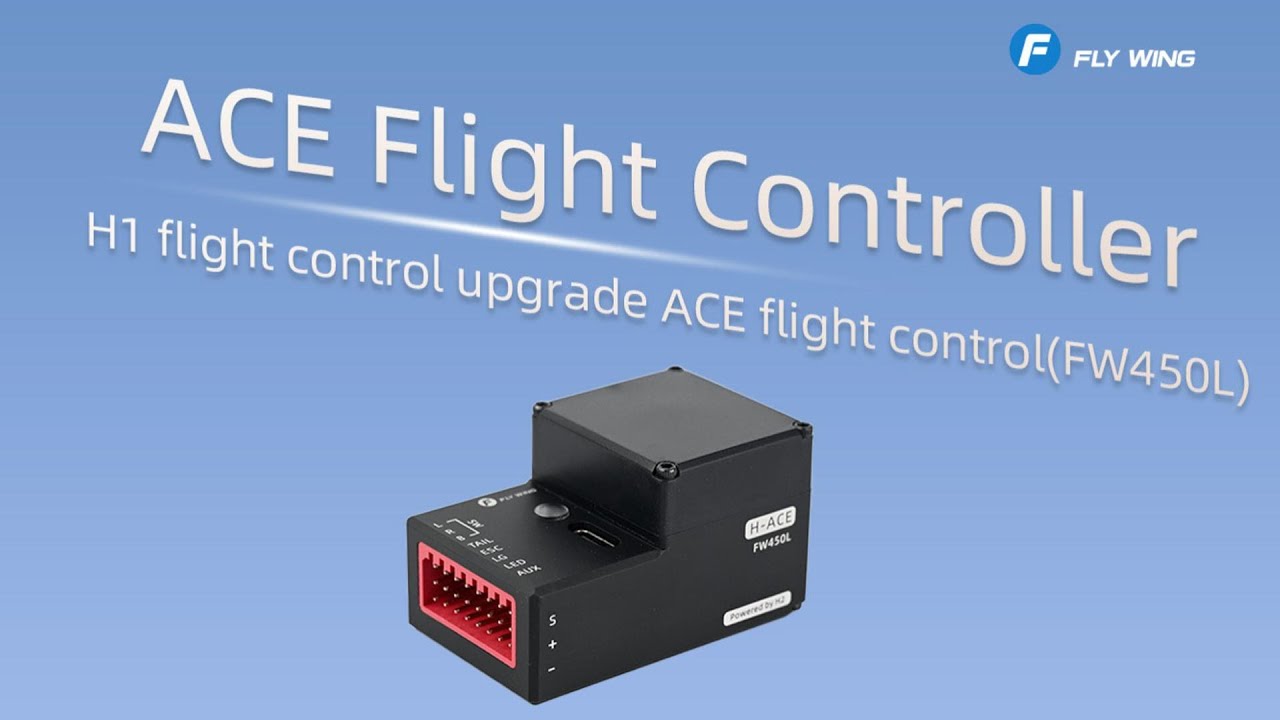
FW450L | H1 Flight Control Upgrade to ACE Flight Control
-
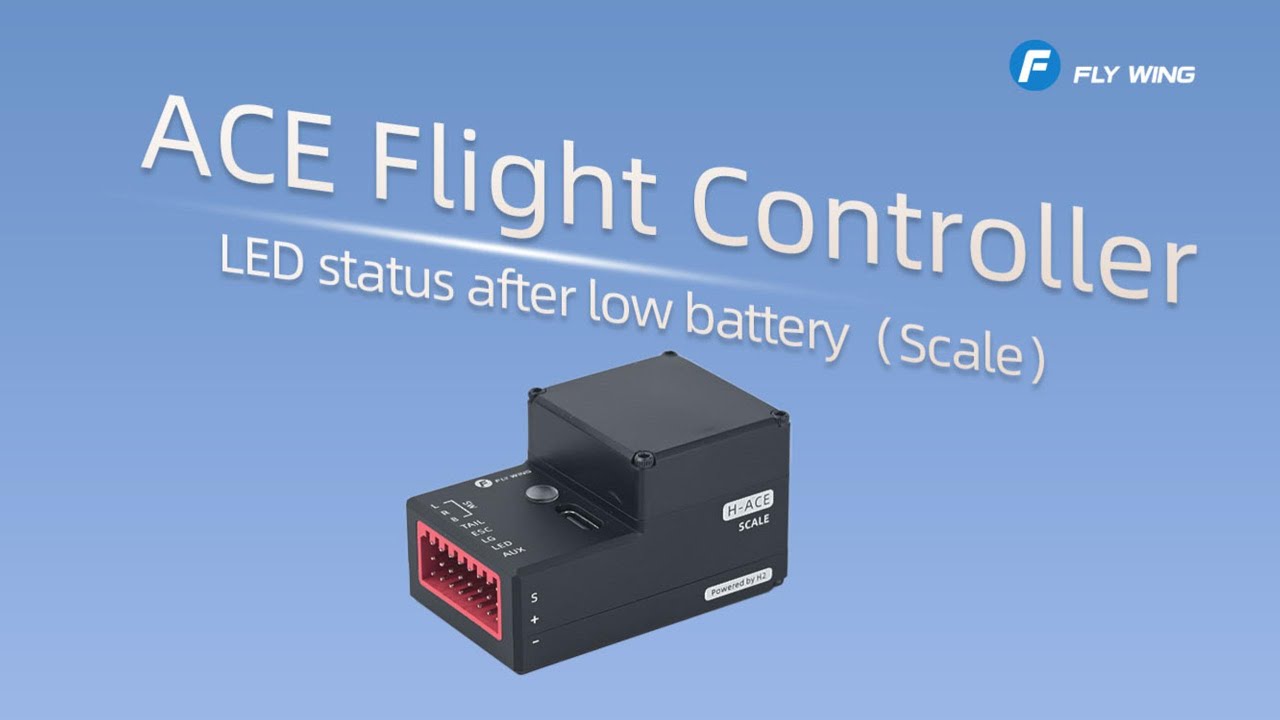
ACE Flight Controller | LED Status After Low Battery (SCALE)
-
How to Unlock the Inverted Flight Function on FW450L?
-
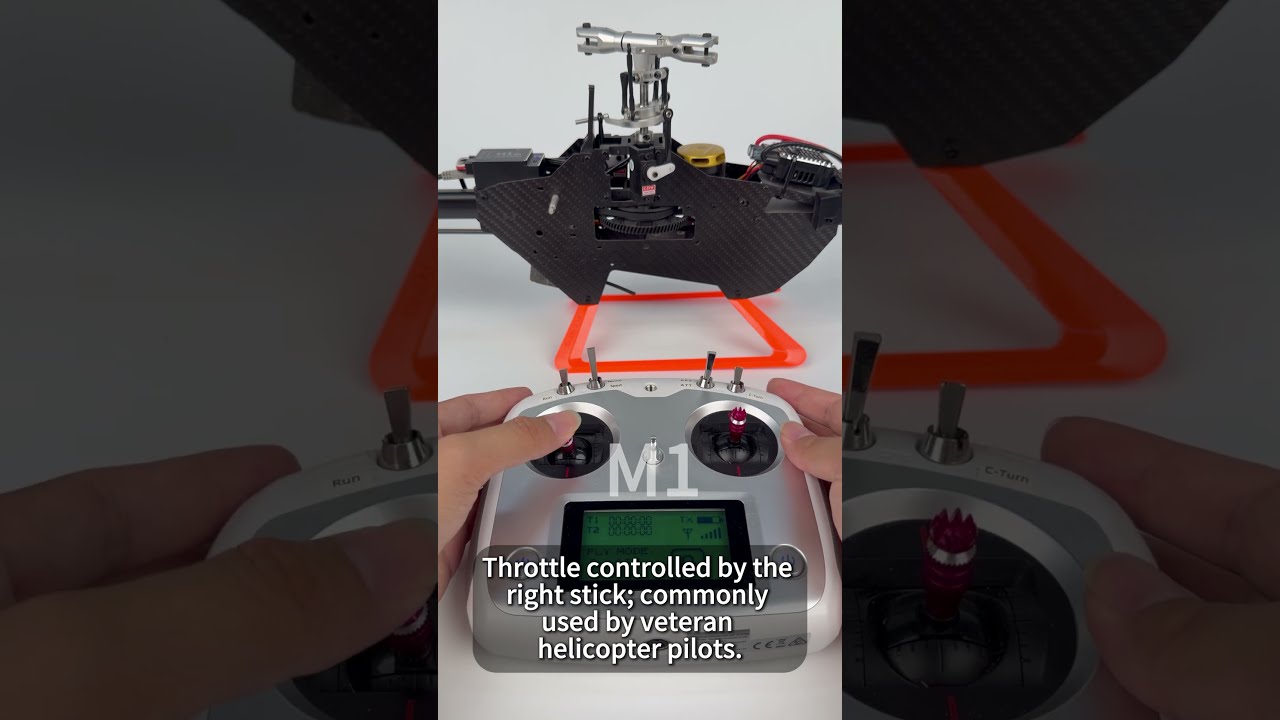
How Do I Switch Between Model 1 and Model 2 on a Helicopter Remote Controller?
-
Things to Be Aware of During Your First Flight
-

Solutions for Helicopter Shaking During Flight (All Models Applicable)
-
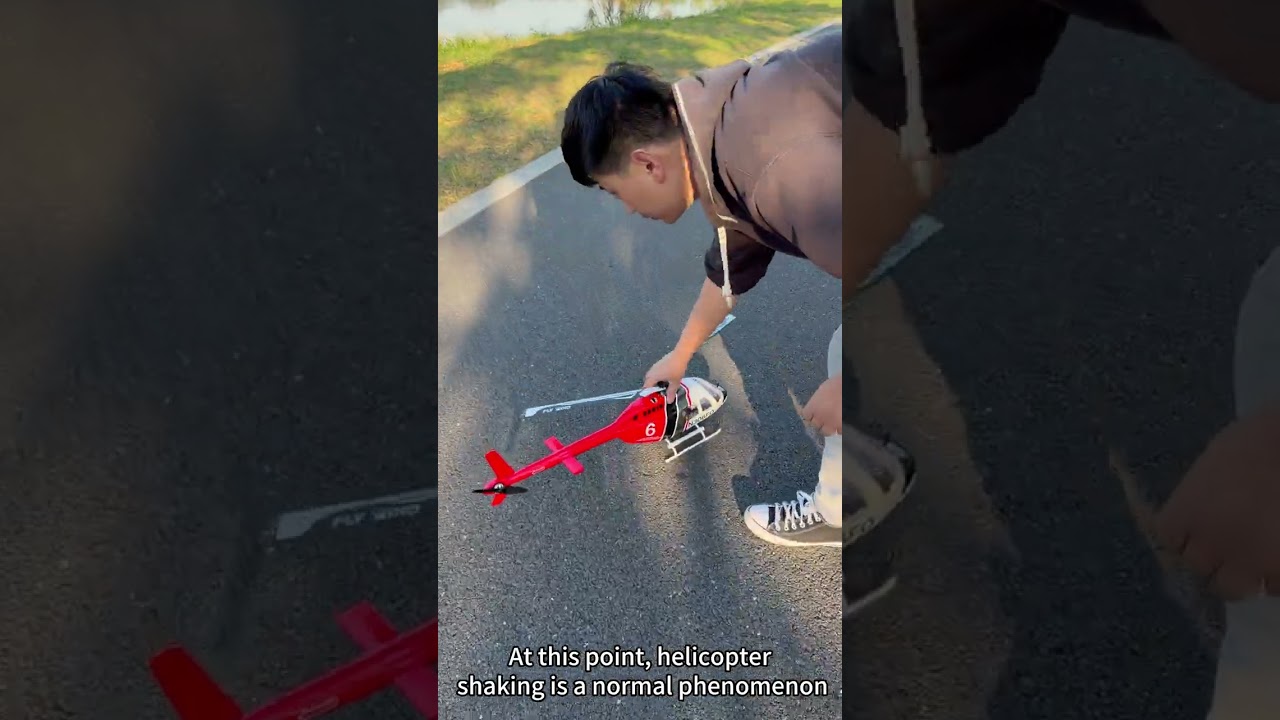
How to Solve the Vibration Problem During Helicopter Take-Off?
-
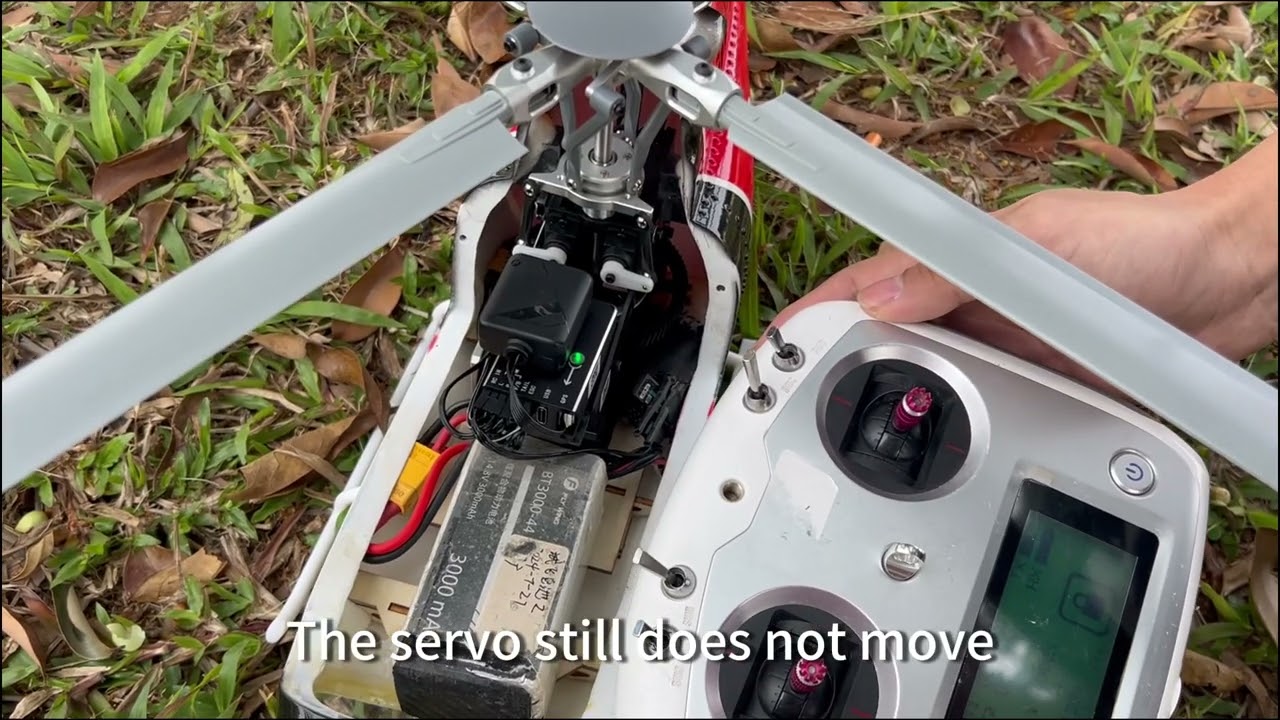
Servo Does Not Respond to Stick Input in Some Cases
In some situations, it is normal for the servo not to respond when moving the transmitter sticks.
-
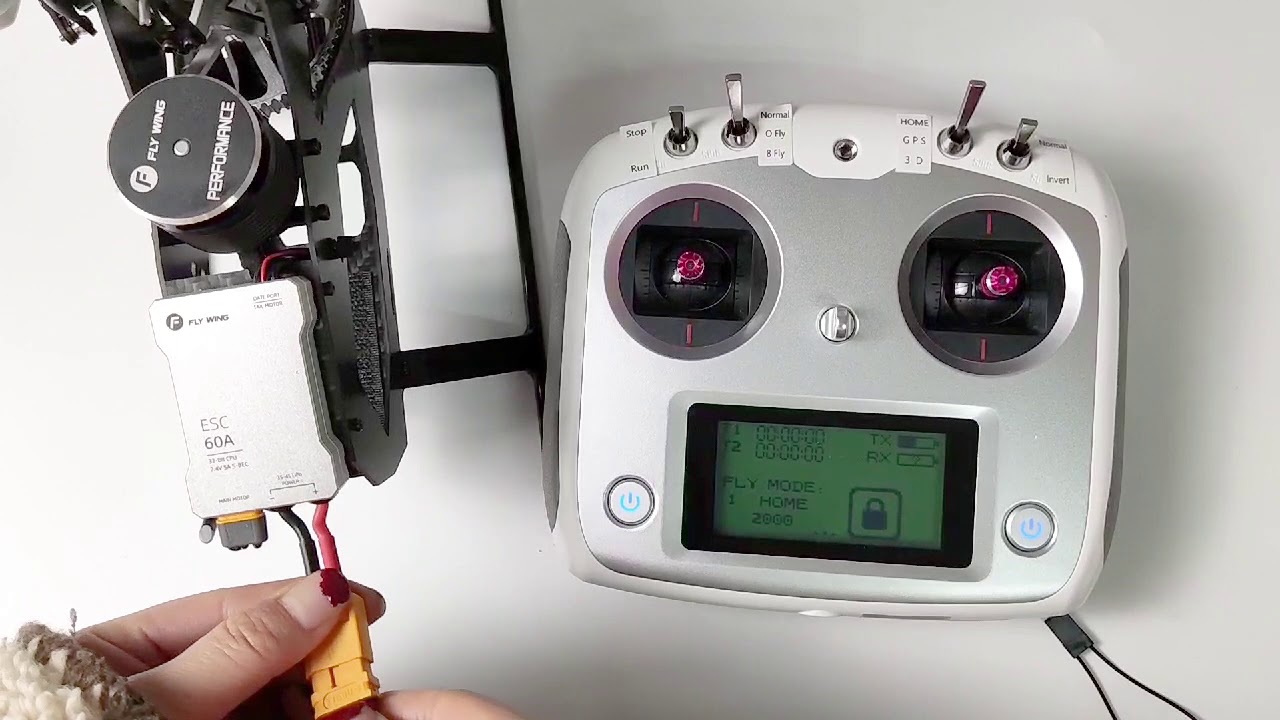
"Lost RC Signal" — How to Bind Remote Controller
-
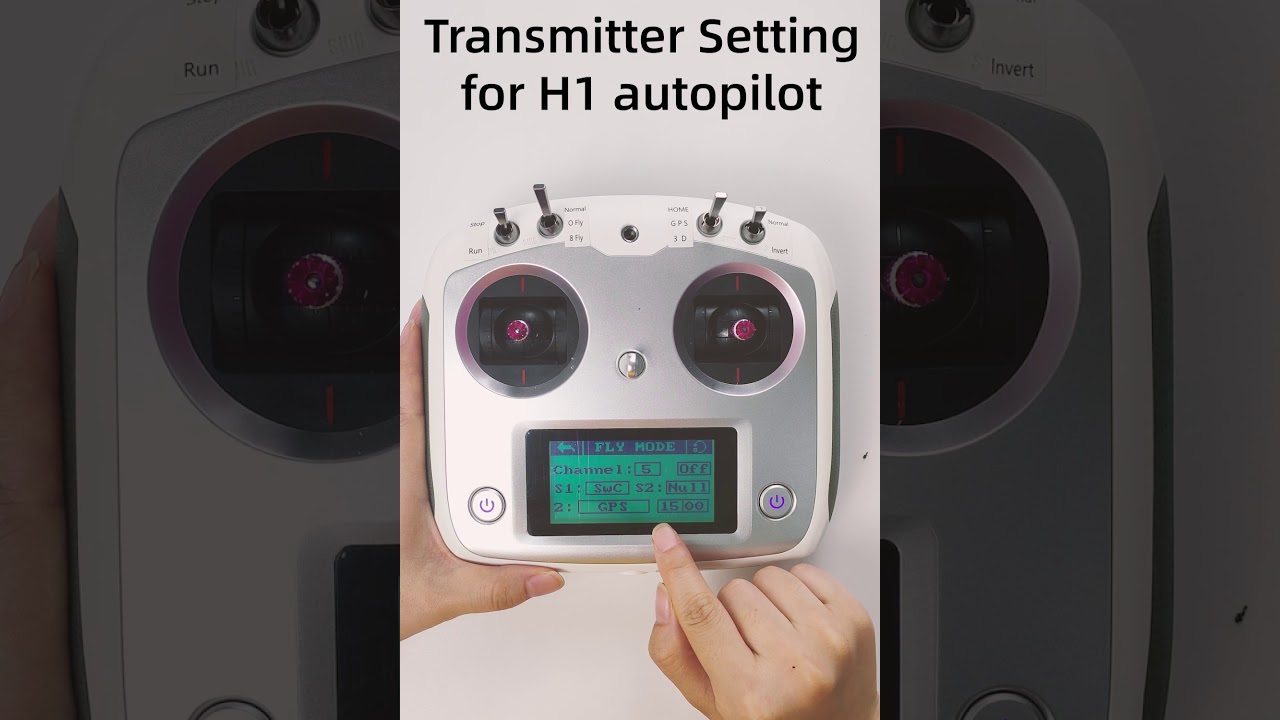
Remote Control Settings Messed Up – How to Restore
-
H-ACE Flight Controller Using the Remote Control for Compass Calibration
-
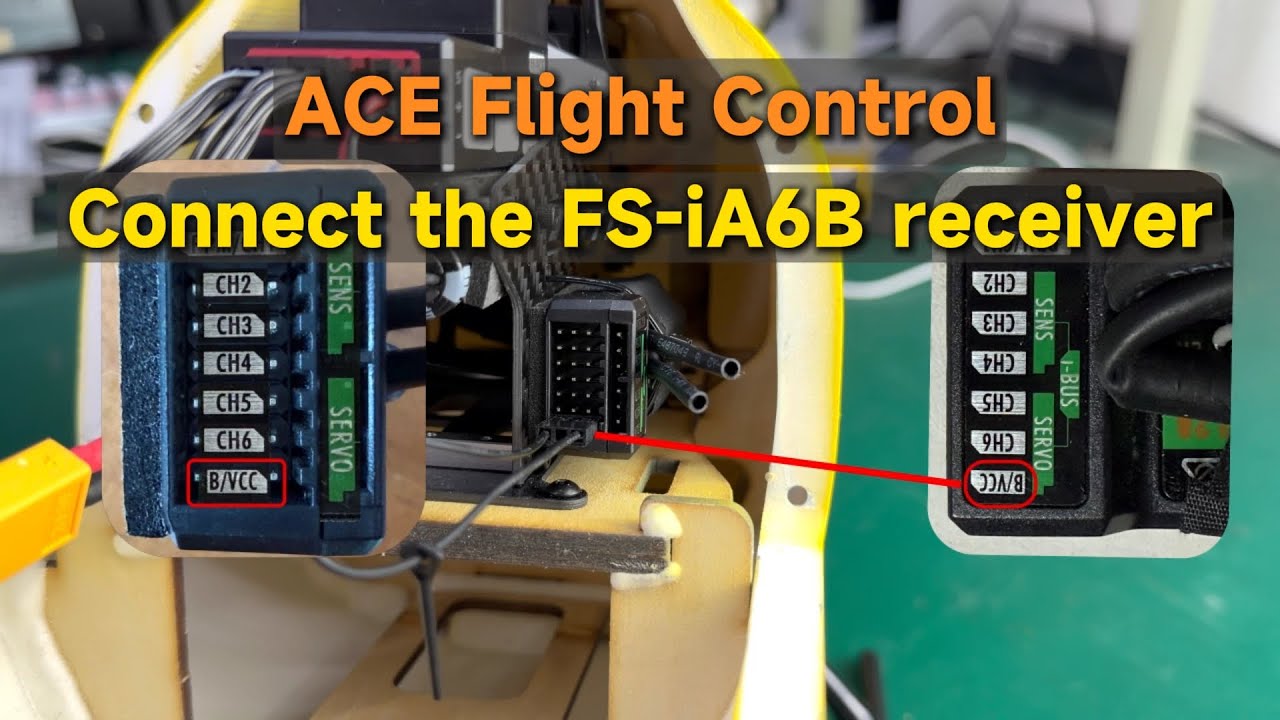
ACE Flight Controller | How to Bind the FS-iA6B Receiver
-
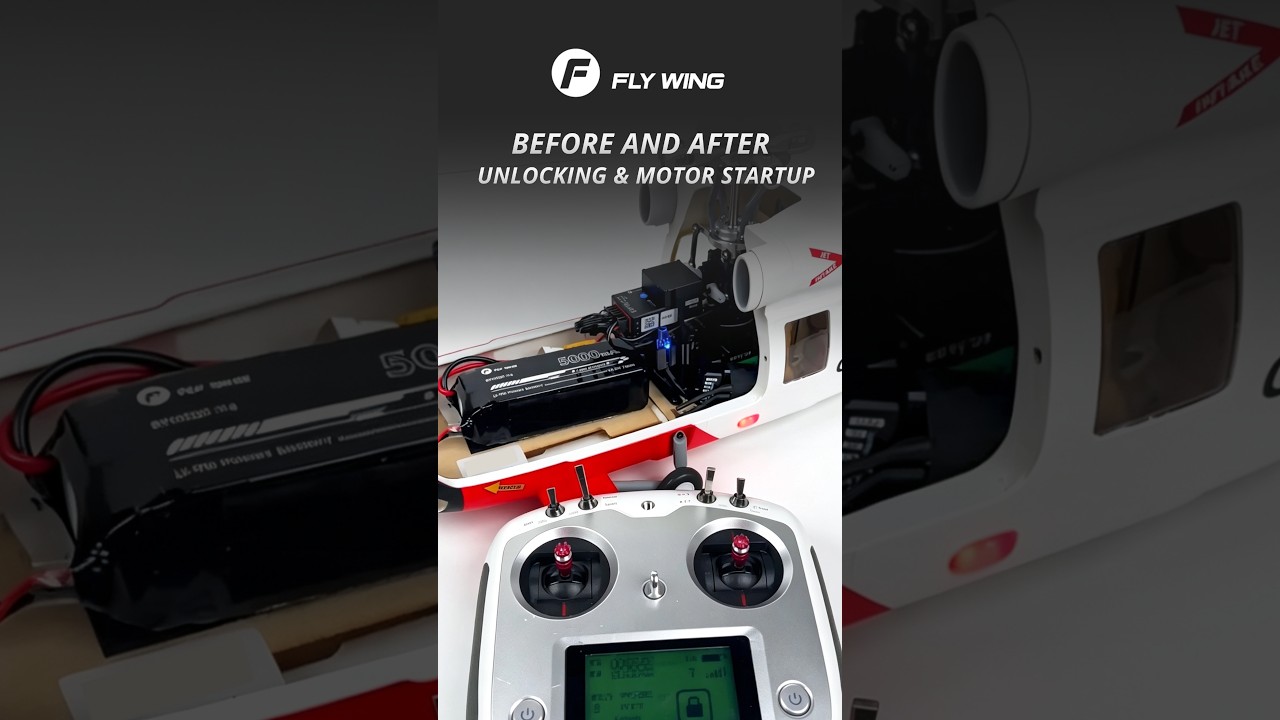
Helicopter Servo and Tail Motor Troubleshooting
-
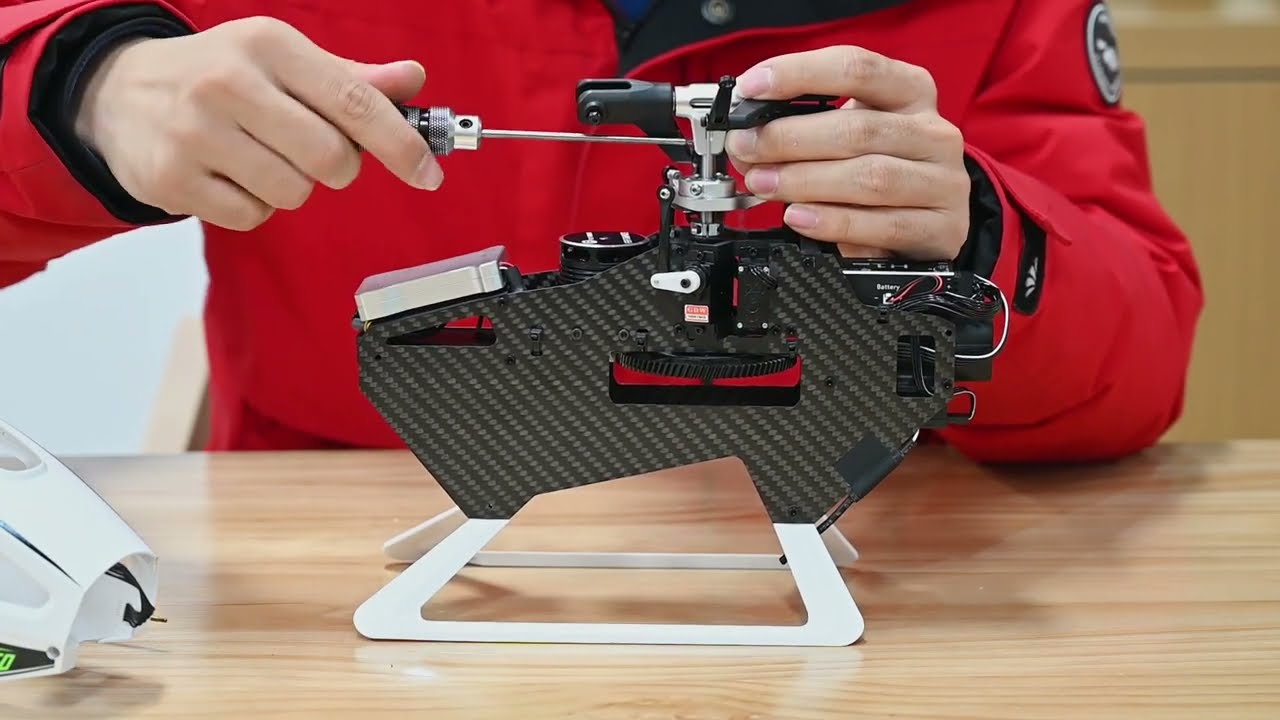
Main Shaft Replacement
-
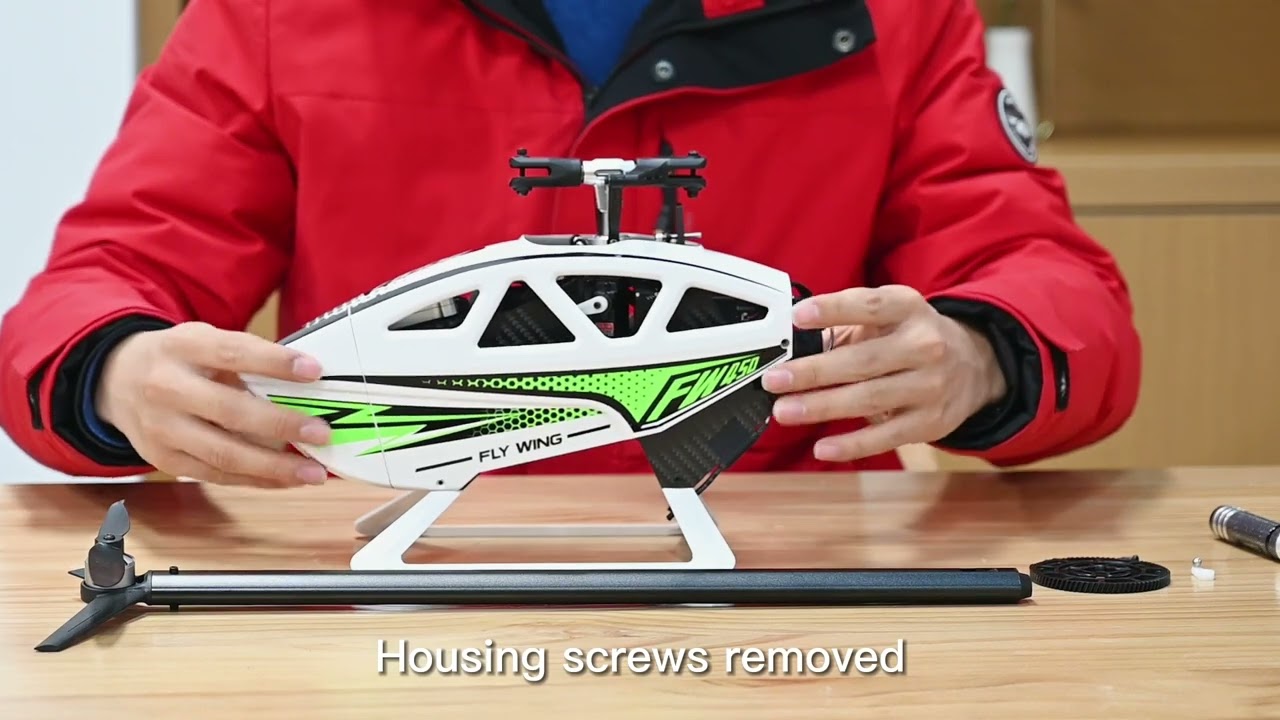
Gear Replacement
-
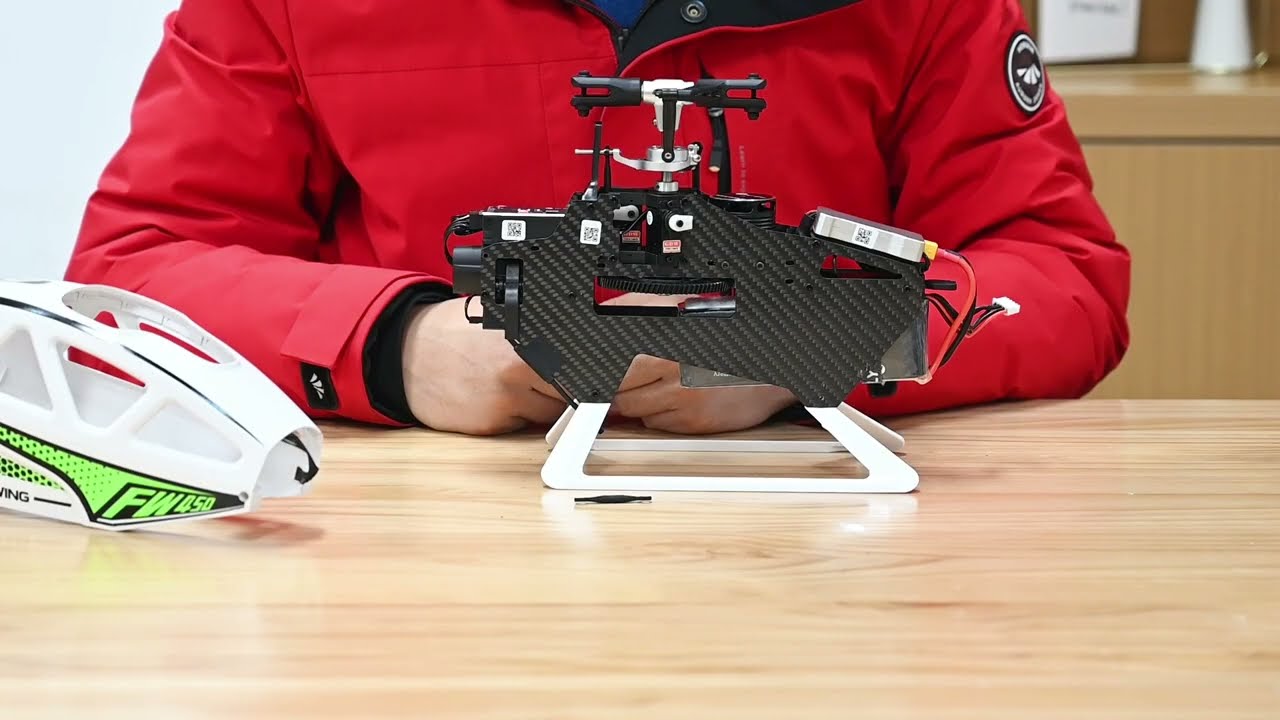
Servo Arm Replacement
-
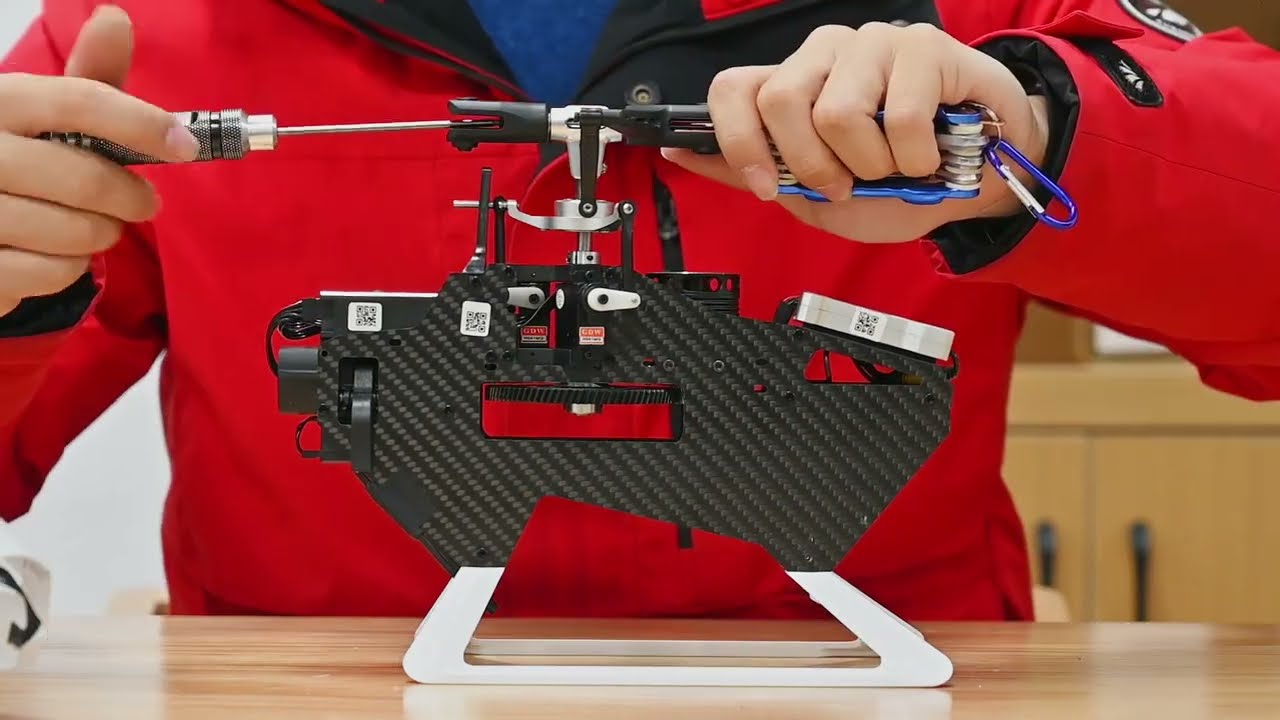
Feathering Shaft Replacement (Inside Blade Grips)
-
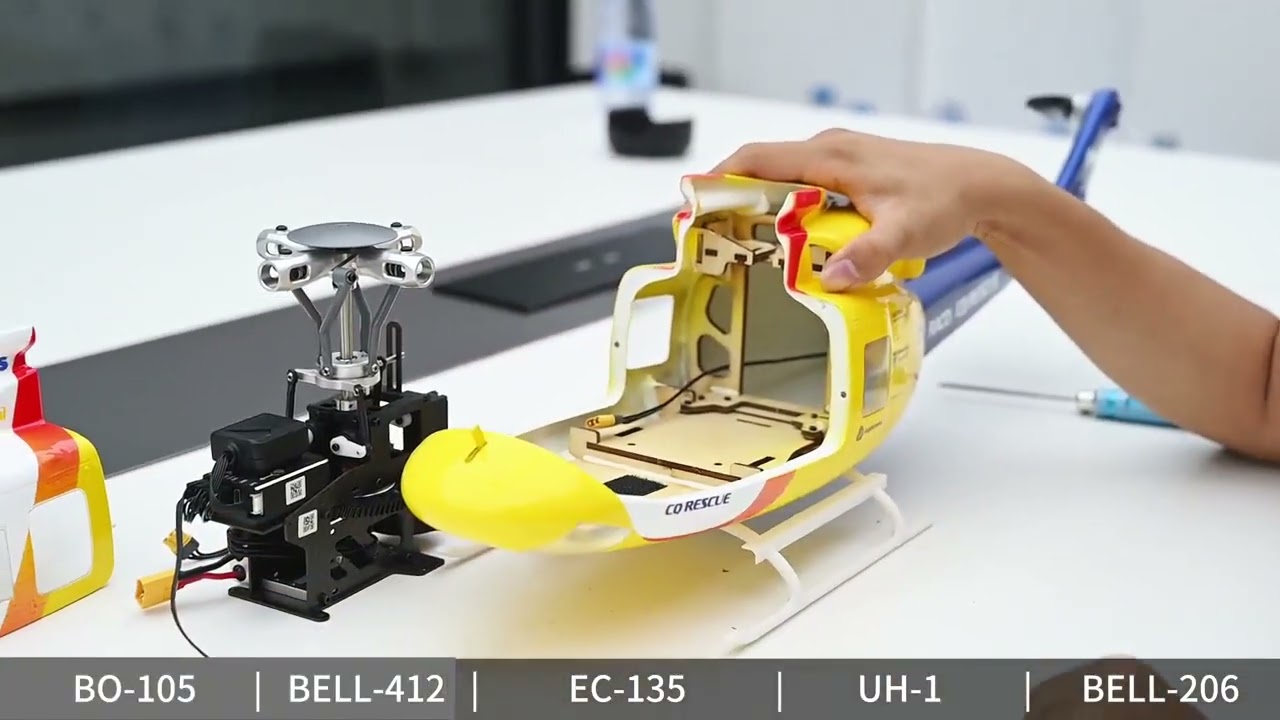
Fuselage Disassembly & Maintenance
-
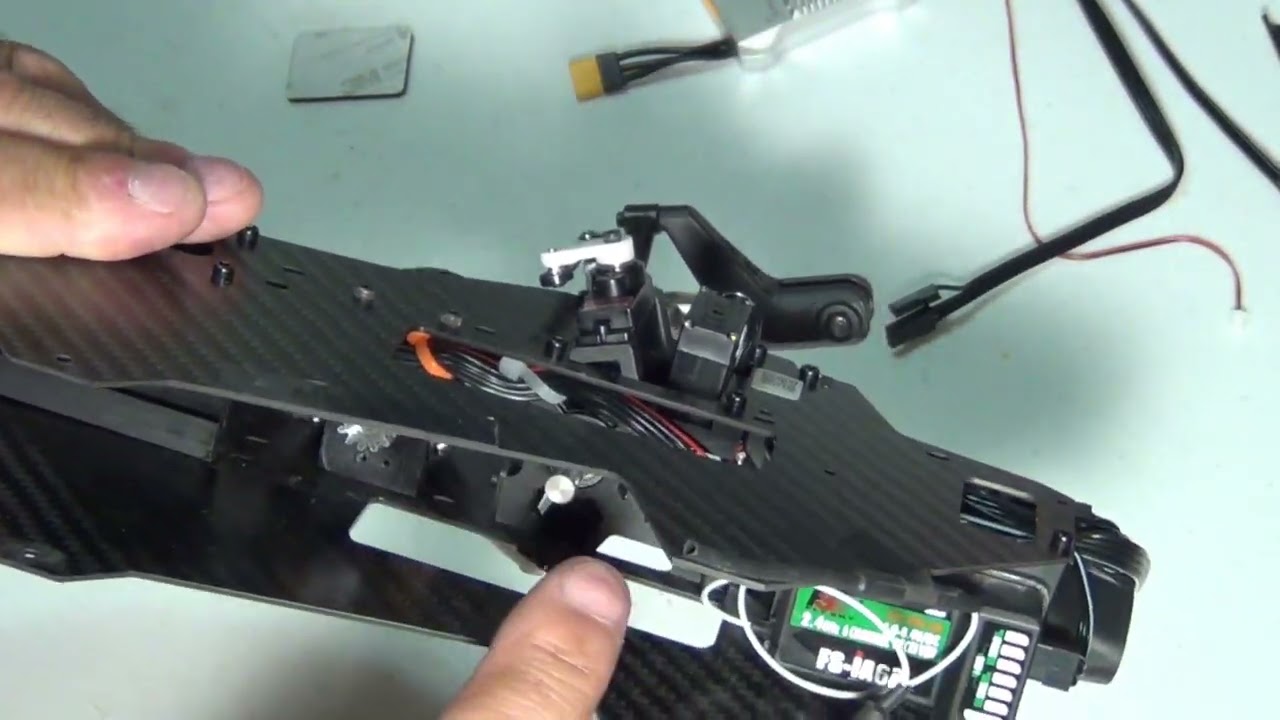
ESC (Electronic Speed Controller) Replacement
-

Tutorial on Replacing the New Rotor Blades and Feathering Shaft
-
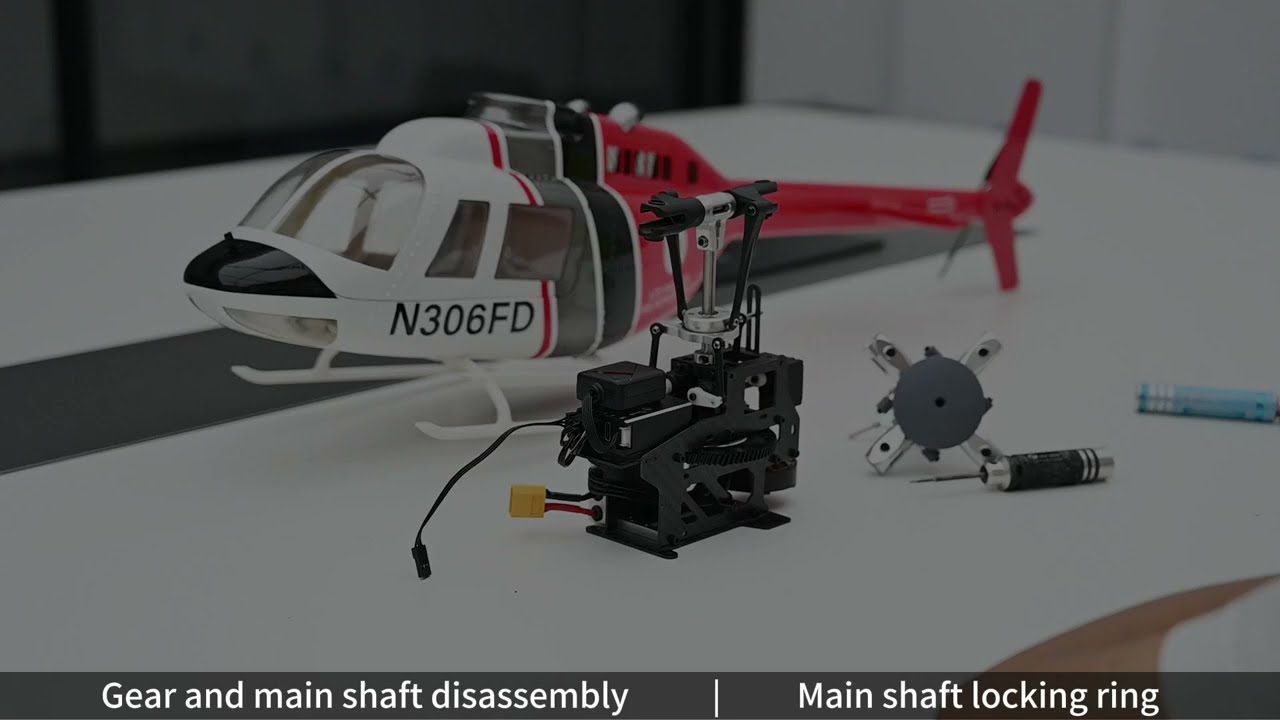
FLYWING SCALE Helicopter Main Shaft and Gear Replacement
-
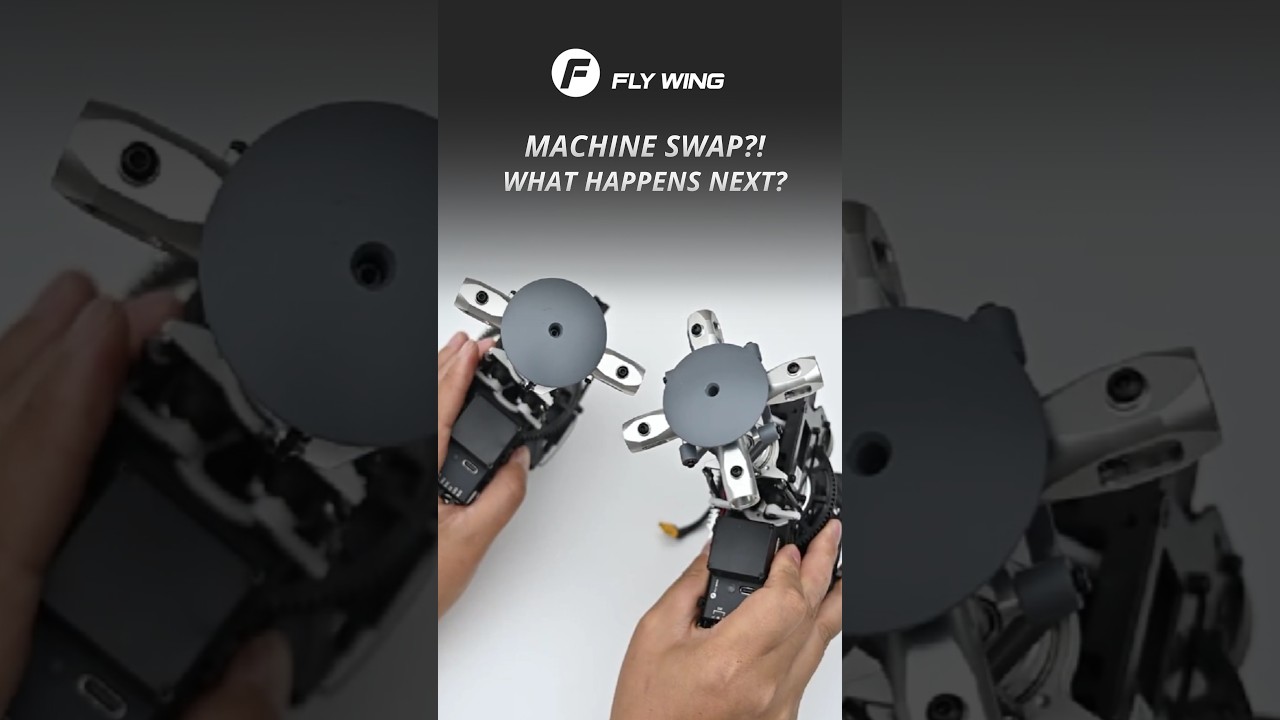
Helicopter Mechanics Swap
-
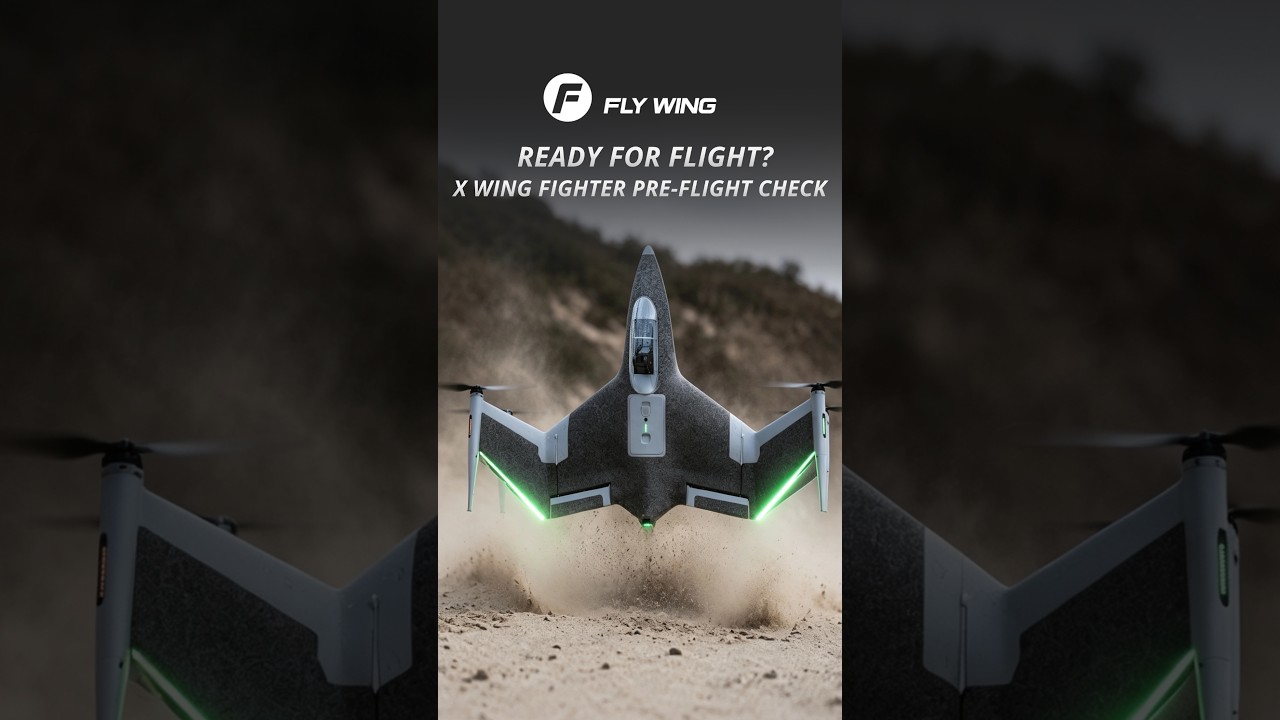
X WING FIGHTER Pre-Flight Check
-
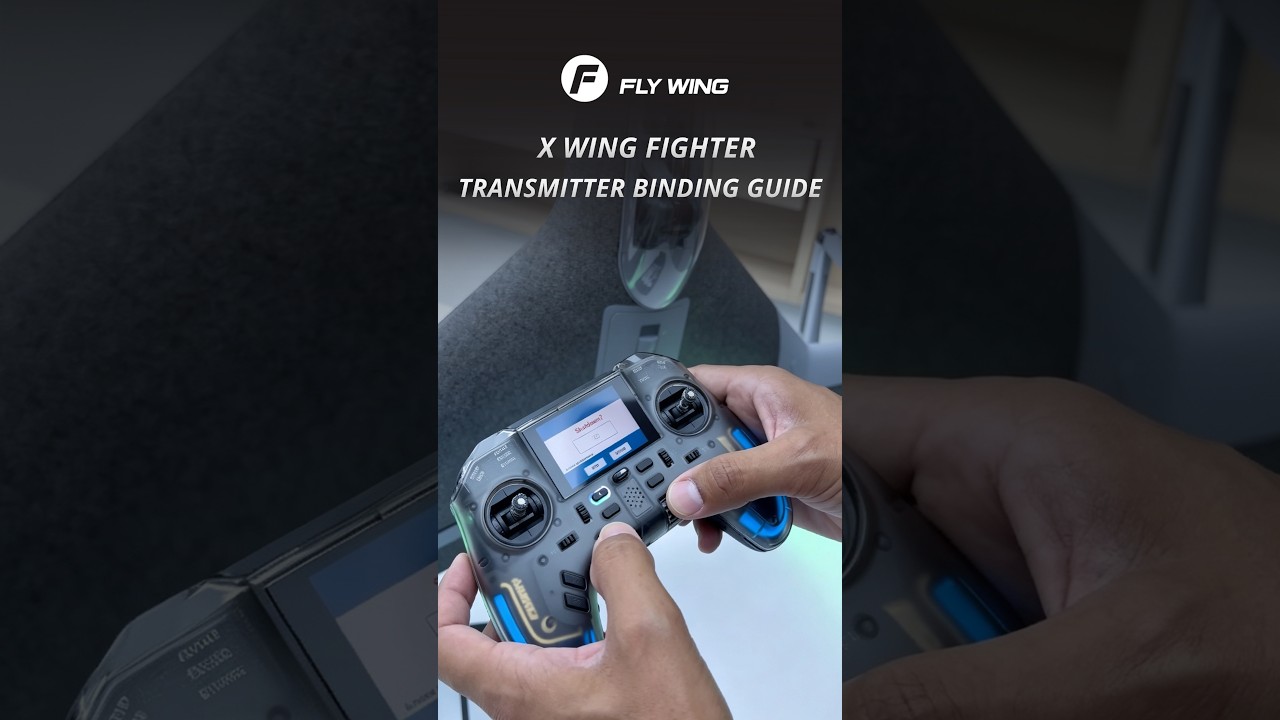
X WING FIGHTER Remote Controller Binding
-
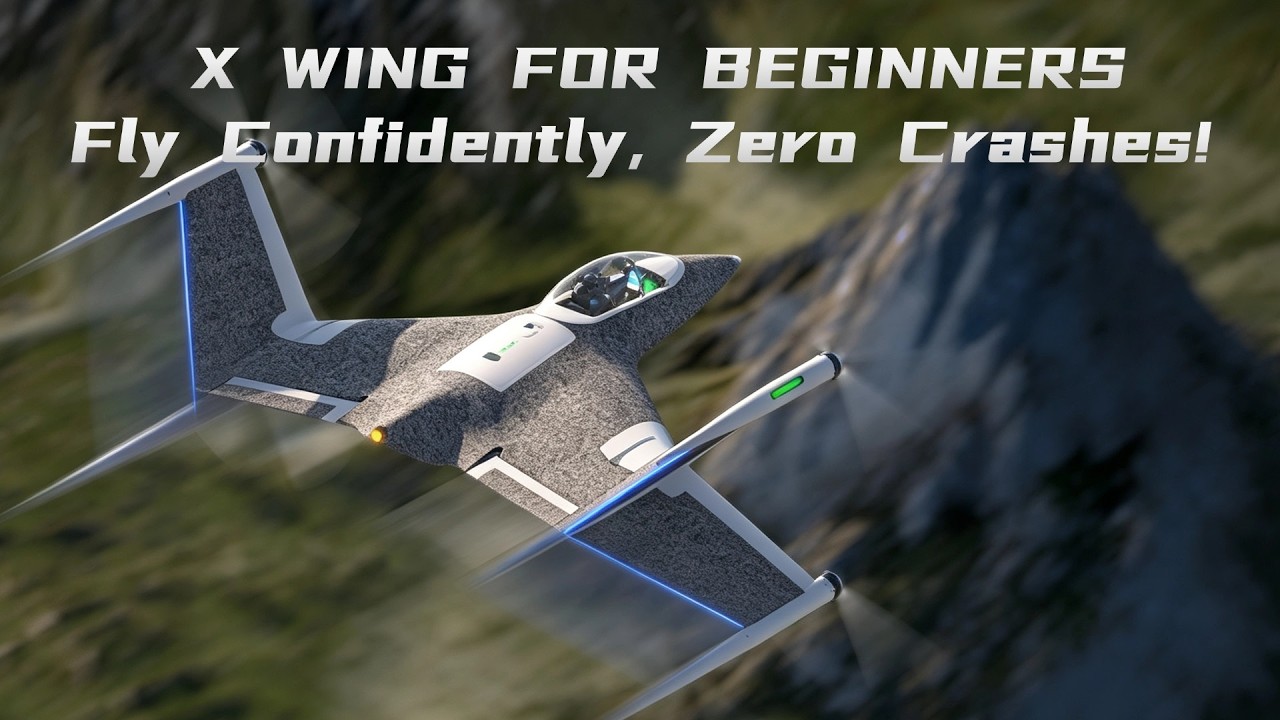
X WING FIGHTER
Frequently asked questions
A thorough pre-flight inspection is crucial for safety. Please watch our detailed guide on how to inspect your helicopter to ensure everything is in perfect working order.
We understand your concern. While it feels like a product issue, these incidents are almost always due to operational errors that can happen to any pilot. For example, accidentally switching to "3D Mode" or having a sleeve catch the "STOP" switch can cause a crash. We find that the most common cause is the "Return-To-Home" feature activating due to a low battery. Please review this video on the low battery feature. If parts were damaged, they are available for purchase in our store.
No.Flywing helicopters use a completely lubrication-free design. All components are either self-lubricating, factory-sealed, or single-use. Adding lubricant can actually cause harm.
You'll need to re-bind your remote controller to the flight controller. We have two helpful videos that walk you through the process: Binding Tutorial 1 and Binding Tutorial 2.
The end user assumes full responsibility and all risks associated with the use of radio-controlled flight products. Flywing accepts no responsibility for injury, death, or damage arising from the use of any products purchased from us.


Need Help?
Having trouble downloading or installing? Contact our support team for quick assistance—we’re here to help you every step of the way.